Struggling with slow wireless charging? Avoid these 5 common wireless fast charging mistakes and learn how to speed up your charge time while protecting your battery.
Introduction: Why Your Wireless Fast Charging is Slower Than It Should Be
Ever placed your phone on a wireless charger, expecting a fast top-up, only to find it barely charged an hour later? 😩 You’re not alone.
Wireless fast charging is a game-changer, but it’s not perfect. Many people unknowingly make simple mistakes that slow down charging or even damage their battery over time.
💡 Good news? These mistakes are super easy to fix once you know what’s causing them! Let’s break down the 5 biggest wireless charging mistakes and how to fix them so you can get the fastest and safest charge possible.
🚨 Mistake #1 – Using a Low-Powered Wireless Charger
What’s the Problem?
Not all wireless chargers are created equal. Some cheap models only deliver 5W, which is way too slow for modern fast-charging phones.
| Charger Type | Charging Speed | Good for Fast Charging? |
|---|---|---|
| 🔴 5W Wireless Charger | 🐢 Slow (5+ hours for full charge) | ❌ No |
| 🟡 10W Wireless Charger | ⚡ Moderate (3-4 hours) | ✅ Okay |
| 🟢 15W+ Wireless Charger | 🚀 Fast (2-3 hours) | ✅ Best Choice |
How to Fix It
✅ Always check if your charger supports 15W+ fast charging (or MagSafe for iPhones).
✅ Look for Qi-certified models to ensure efficiency.
✅ Avoid knockoff brands that overheat or stop working quickly.
📍 Mistake #2 – Misaligning Your Phone on the Charging Pad
What’s the Problem?
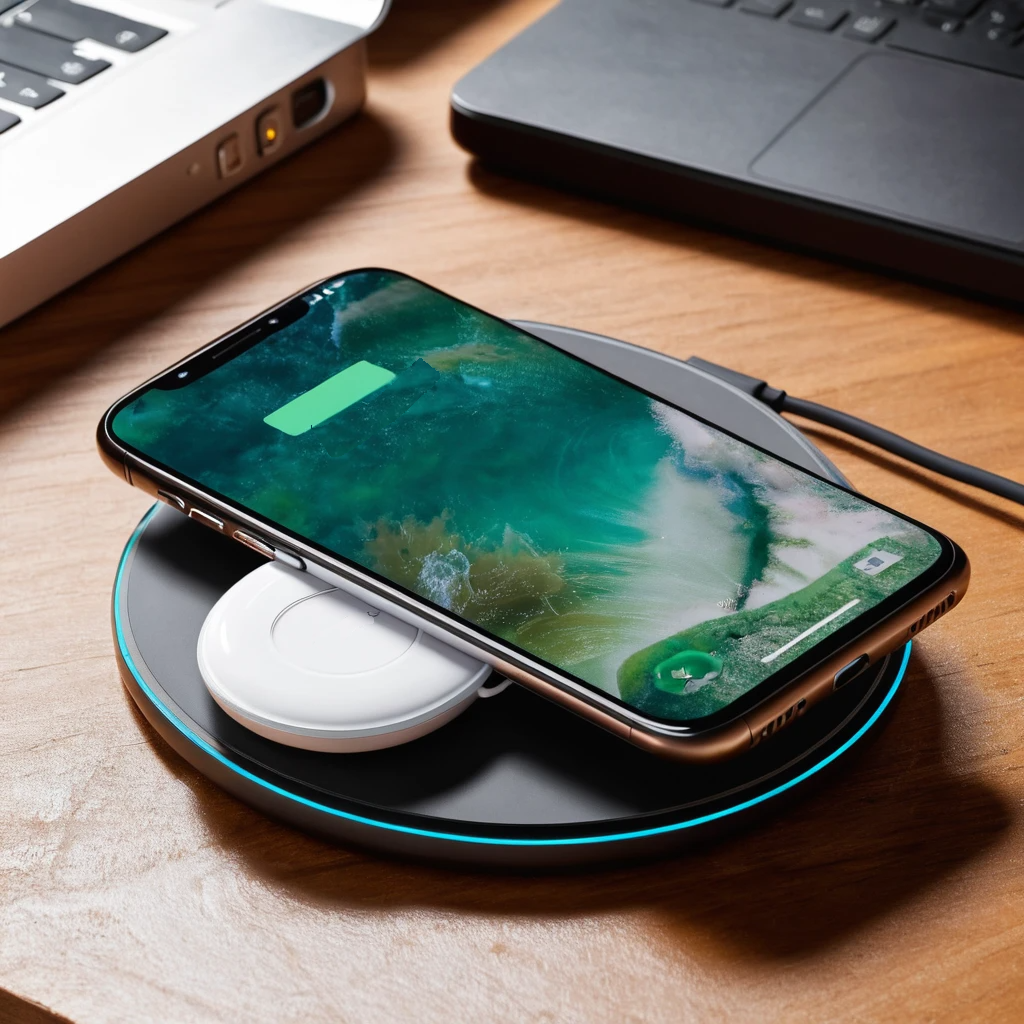
Unlike wired charging, wireless charging relies on perfect coil alignment. If your phone is off by even a few millimeters, charging slows down or doesn’t work at all.
| Wireless Charging Alignment | Charging Efficiency |
|---|---|
| ✅ Perfectly Aligned (centered on the coil) | 🚀 Fastest Charging |
| ⚠️ Slightly Off-Center | ⏳ Slow Charging |
| ❌ Too Far Off the Coil | ❌ No Charging |
How to Fix It
✅ Use a MagSafe charger (for iPhones) to automatically align.
✅ If using a regular wireless charger, center your phone carefully.
✅ Some chargers have alignment guides—use them!
🔥 Mistake #3 – Charging With a Thick or Metal Phone Case
What’s the Problem?
Wireless charging doesn’t work well through thick cases, and metal cases block charging completely.
How to Fix It
✅ Use a slim, Qi-certified case (or no case at all for best speed).
✅ Avoid wallet cases or cases with metal rings/magnets unless MagSafe-compatible.
✅ If your charger is overheating, your case might be the problem!
☀️ Mistake #4 – Charging in a Hot Environment
What’s the Problem?
Heat is the enemy of fast charging. If your phone gets too hot, it will slow down charging automatically to prevent damage.
| Charging Environment | Charging Speed | Battery Health Impact |
|---|---|---|
| ❄️ Cool Room (Below 77°F/25°C) | 🚀 Fastest | ✅ Safe |
| ☀️ Warm Room (77-95°F/25-35°C) | ⏳ Slower | ⚠️ May Reduce Lifespan |
| 🔥 Hot (Above 95°F/35°C) | 🐢 Very Slow | ❌ Battery Damage Risk |
How to Fix It
✅ Charge in a cool, well-ventilated space.
✅ Remove your phone from direct sunlight or hot surfaces (like car dashboards).
✅ If your phone feels hot, remove it from the charger for a few minutes.
🔌 Mistake #5 – Using the Wrong Power Adapter
What’s the Problem?
Your wireless charger needs a powerful adapter to deliver fast charging speeds. If you’re using a weak wall adapter, your charging speeds will suffer.
| Power Adapter Type | Charging Speed | Good for Fast Charging? |
|---|---|---|
| ❌ 5V/1A (Basic Adapter) | 🐢 Very Slow | ❌ No |
| ⚠️ 5V/2A (Standard Adapter) | ⏳ Moderate | ✅ Okay |
| ✅ 9V/2A (QC 3.0 or USB-C PD) | 🚀 Fastest | ✅ Best Choice |
How to Fix It
✅ Use a Quick Charge (QC) 3.0 or USB-C PD adapter for max speed.
✅ If your charger didn’t come with an adapter, buy a high-quality one (15W or higher).
✅ Avoid cheap adapters that don’t provide stable power.
🚀 Final Thoughts: Get the Most Out of Wireless Fast Charging
Wireless fast charging is super convenient, but only if you do it right.
🔥 Quick Recap of Mistakes to Avoid:
✔️ Use a high-quality (15W+) wireless charger.
✔️ Align your phone correctly on the charging pad.
✔️ Avoid thick or metal phone cases that block charging.
✔️ Keep your phone cool while charging.
✔️ Use a powerful QC 3.0 or USB-C PD adapter for full speed.
💬 Have you experienced slow wireless charging? Drop a comment below—I’d love to hear your thoughts! 👇